

SQL Server 2022 – Standard per Core
February 21, 2023
Autodesk Civil 3D 2027 – Subscription
August 1, 2023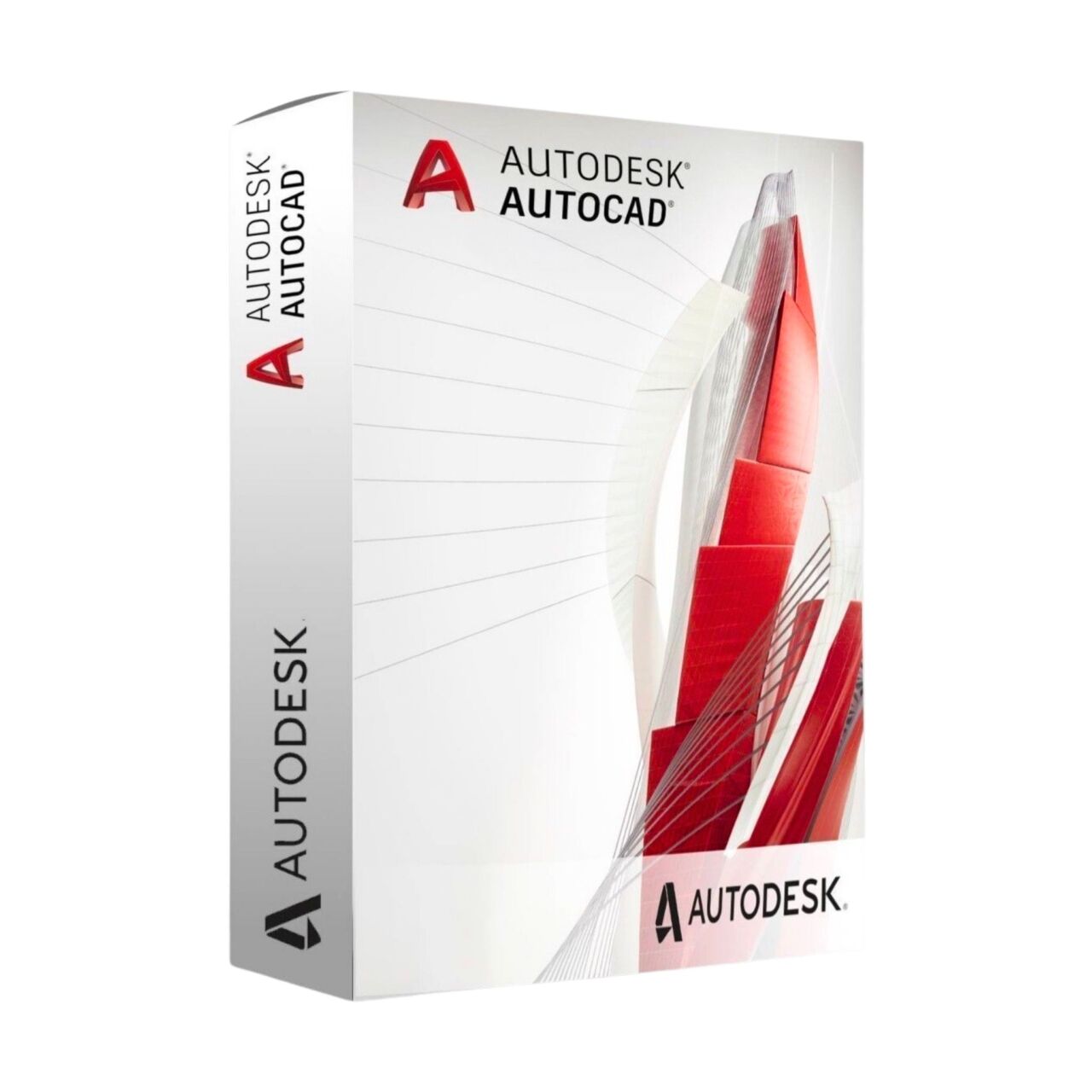
Autodesk AutoCAD 2027 – Subscription
Personal AutoCAD subscription for CAD learning, private 2D drafting, 3D modeling, technical drawing practice, and non-commercial design workflows.
Price range: 79.00$ through 179.00$
- Instant digital delivery via email
- Genuine license key guaranteed
- Secure checkout via Stripe
You’ll receive your Autodesk account invitation by email, ready to activate AutoCAD quickly.
What You’ll Receive
Activation through Autodesk account invitation
Personal access to AutoCAD for 2D drafting, 3D modeling, and design practice
Create technical drawings, 3D models, layouts, and private design projects
Help available if needed during activation
What Is AutoCAD Individual Subscription?
AutoCAD Individual Subscription gives personal users access to Autodesk AutoCAD for 2D drafting, 3D modeling, and technical drawing workflows. It is suitable for learning CAD, practicing technical design, developing private projects, and improving drafting skills in a structured Autodesk environment.
AutoCAD helps users create accurate drawings, layouts, annotations, 3D models, and design documentation across multiple disciplines. With familiar CAD tools, automation features, drawing management, and desktop-based workflows, it provides a flexible environment for personal design practice and non-commercial technical work.
This subscription is intended for personal and non-commercial use only. It is suitable for study, training, home-based projects, private design exploration, and CAD learning, but it is not intended for professional, business, client, or commercial production workflows.
AutoCAD Individual Subscription Features
Why Choose AutoCAD Individual Subscription
Product Specifications
AutoCAD Individual Subscription FAQ
| Subscription Period | 1 Year, 3 Years |
|---|
13 reviews for Autodesk AutoCAD 2027 – Subscription
Related products
-
Autodesk 3ds Max 2027 – Commercial Subscription
Official Autodesk 3ds Max 2027 commercial subscription with direct Autodesk activation, professional 3D modeling, rendering, and animation tools.
Price range: 629.00$ through 1,549.00$ -
Autodesk AEC Collection 2027 – Commercial Subscription
Official Autodesk AEC Collection 2027 commercial subscription with direct Autodesk activation, BIM, CAD, infrastructure, and coordination tools.
Price range: 849.00$ through 1,749.00$ -
Autodesk Maya 2027 – Commercial Subscription
Official Autodesk Maya 2027 commercial subscription with direct Autodesk activation, professional 3D animation, modeling, simulation, and rendering tools.
Price range: 629.00$ through 1,549.00$


Glenn (verified owner) –
Good service, legit keys, all perfect!
Alexandria (verified owner) –
The best!
Bernadette (verified owner) –
I recommend buying products through this site. Everything was simple and easy.
Valerian (verified owner) –
Good service, legit keys, all perfect!
Elliot Ramsey –
Sent my email and received the Autodesk invite shortly after. Logged in and AutoCAD was already available in my account, no issues at all.
Julien Arnaud –
Invitation reçue rapidement. Activation simple via Autodesk, tout était prêt en quelques minutes.
Marek Kaczmarek –
Smooth process. Got access through Autodesk account without any complications, everything works as expected.
Lorenzo Gatti –
Ho inviato la mia mail e dopo poco ho ricevuto l’invito Autodesk. Accesso immediato, tutto funzionante.
Carlos Núñez –
Todo muy sencillo. Recibí la invitación, acepté y ya tenía AutoCAD activo en mi cuenta.
Tobias Schneider –
Very clean experience. No manual activation needed, just accepted the invite and started working.
Amir Hosseini –
Fast turnaround. Received the Autodesk email quickly and everything was ready to use.
Lucas Oliveira –
Sent my account email and got access shortly after. Everything works perfectly, no issues at all.
Pierre Gautier –
Service rapide et efficace. Accès au logiciel immédiat après acceptation de l’invitation.