

Autodesk AEC Collection 2027 – Commercial Subscription
July 15, 2025
Logic Pro X | Official Bind Key
July 23, 2025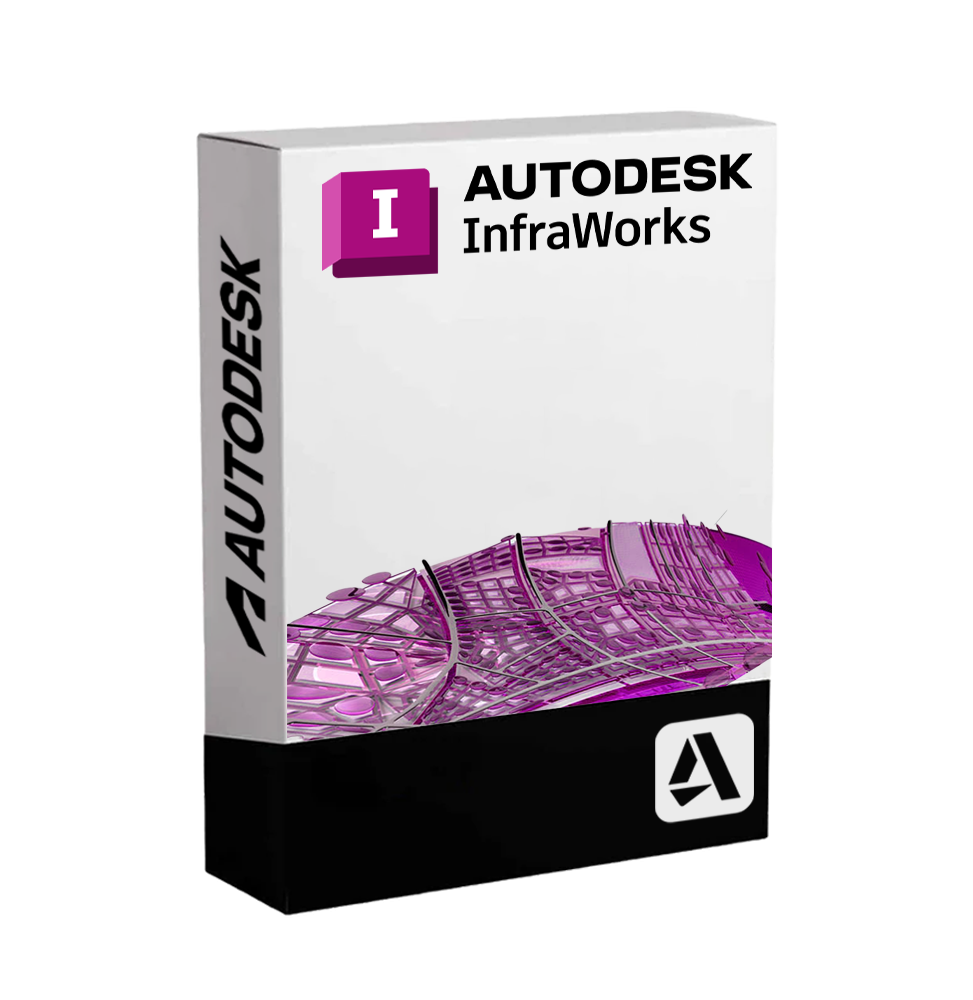
Autodesk InfraWorks 2027 – Subscription
Personal InfraWorks subscription for infrastructure learning, terrain modeling, concept design, site planning, road ideas, and non-commercial workflows.
Price range: 79.00$ through 179.00$
- Instant digital delivery via email
- Genuine license key guaranteed
- Secure checkout via Stripe
You’ll receive your Autodesk account invitation by email, so you can activate InfraWorks quickly.
What You’ll Receive
Activation through Autodesk account invitation
Personal access to InfraWorks for infrastructure planning and concept design practice
Explore terrain, roads, bridges, GIS data, and early infrastructure ideas
Help available if needed during activation
What Is InfraWorks Individual Subscription?
InfraWorks Individual Subscription gives personal users access to Autodesk InfraWorks for conceptual infrastructure design, terrain modeling, and early-stage project visualization. It helps users explore roads, bridges, sites, corridors, and large environments in a real-world context.
InfraWorks combines terrain data, GIS information, visual models, and infrastructure concepts in one 3D environment. As a result, users can compare design ideas, study how projects interact with the landscape, and understand infrastructure planning before moving into detailed engineering tools.
This subscription is intended for personal and non-commercial use only. Therefore, it is suitable for study, infrastructure learning, private planning exercises, portfolio concepts, and design exploration. However, it is not intended for business, client, professional, or commercial production workflows.
InfraWorks Individual Subscription Features
Why Choose InfraWorks Individual Subscription
Product Specifications
InfraWorks Individual Subscription FAQ
| Subscription Period | 1 Year, 3 Years |
|---|
10 reviews for Autodesk InfraWorks 2027 – Subscription
Related products
-
Autodesk BIM Collaborate Pro 2027 – Commercial Subscription
Cloud collaboration platform for AEC teams, with Revit worksharing, model coordination, issue tracking, clash detection, and official Autodesk access.
Price range: 649.00$ through 1,549.00$ -
Autodesk AutoCAD 2027 – Subscription
Personal AutoCAD subscription for CAD learning, private 2D drafting, 3D modeling, technical drawing practice, and non-commercial design workflows.
Price range: 79.00$ through 179.00$ -
Autodesk Inventor 2027 – Subscription
Personal Inventor subscription for mechanical design learning, 3D modeling, assemblies, technical drawings, portfolio projects, and non-commercial workflows.
Price range: 79.00$ through 179.00$

Darren McLeod –
Sent my Autodesk email and moved on with other work. Checked later and InfraWorks was already active in my account.
Julien Picot –
Invitation reçue rapidement. Une fois connecté, le logiciel était déjà disponible sans configuration.
Alberto Grassi –
Ho inviato la mail e dopo poco ho trovato tutto attivo nel mio account Autodesk. Nessun problema.
Kacper Michalak –
Got access without even noticing. Logged into Autodesk and everything was already there.
Diego Calderón –
Todo muy directo. Recibí la invitación y ya tenía acceso al software en pocos minutos.
Tobias Reiter –
Clean and simple. Accepted the invite and started using it immediately.
Pierre Fabre –
Service efficace. Accès immédiat après acceptation de l’invitation, rien à signaler.
Lucas Nascimento –
Sent my email and got access shortly after. Opened Autodesk and everything was already set up.
Amir Daryaei –
Quick turnaround. Got the Autodesk email and everything was ready to go.
Daniel Cooper –
Straightforward experience. Logged in and started working right away without any issues.