

Fusion 360 USA Pricing 2026: $479/Year Commercial – Save $201 vs Autodesk
March 14, 2026
Inventor USA Pricing 2026: $629/Year Commercial – Save $1,956 vs Autodesk
March 22, 2026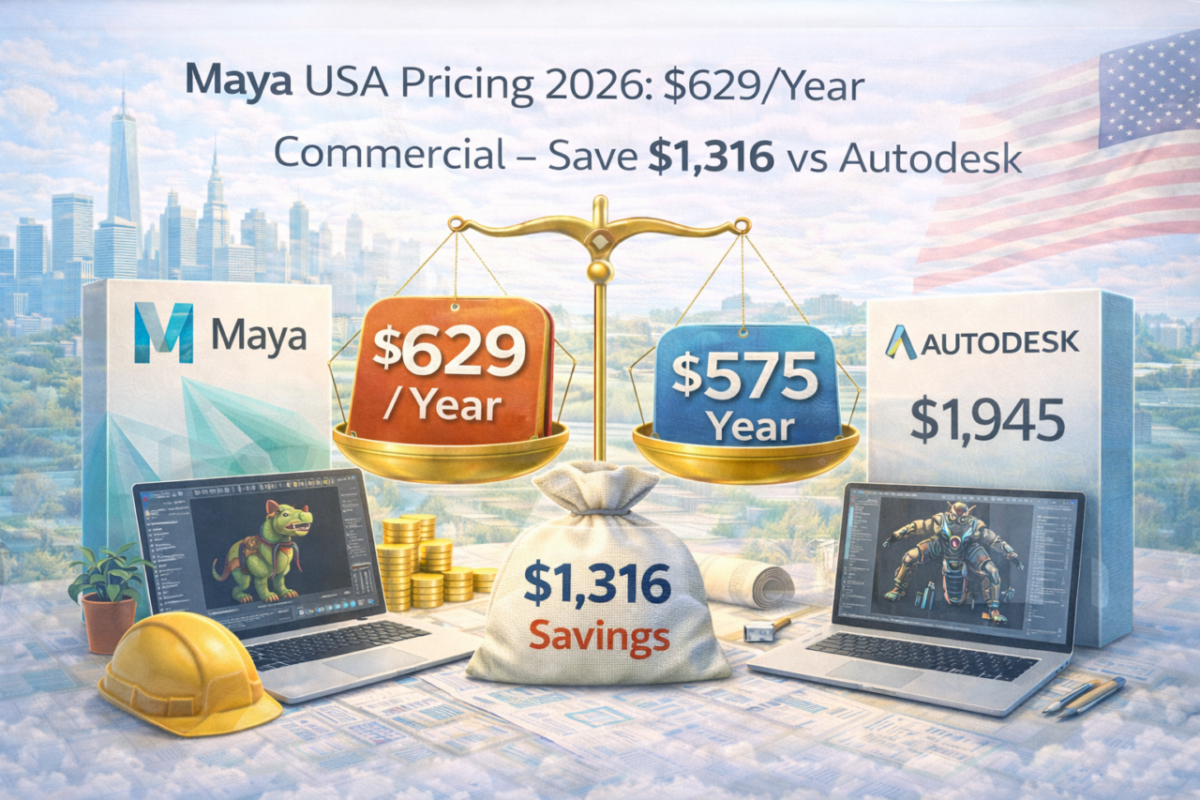
Maya remains one of the most widely used tools for VFX pipelines, AAA game development, and animation production. It powers character rigging, simulation, rendering, and advanced workflows across film, TV, and interactive media.
However, Autodesk’s official pricing in the United States sits at around $1,945 per year. For small studios, freelancers, and indie teams, this cost quickly becomes a limiting factor, especially when scaling across multiple artists.
That is why commercial Maya pricing has gained attention. At approximately $629 per year, the difference is significant enough to reshape how studios approach software budgeting.
Maya USA Pricing Overview
Autodesk Official: $1,945/year
Commercial License: $629/year
Estimated Savings: $1,316/year
View Maya Commercial Offer →Official Maya Pricing in the USA
Autodesk structures Maya subscriptions across multiple payment models. Monthly pricing is the most expensive long-term option, while annual and multi-year plans reduce the effective yearly cost.
- Monthly: $245/month ($2,940/year)
- Annual: $1,945/year
- 3-Year: $5,545 total (~$1,848/year)
This includes Maya’s full toolset: modeling, rigging, animation, Bifrost simulation, scripting with MEL and Python, and integrated Arnold rendering.
For studios operating multiple seats, these costs scale quickly and become a major operational expense.
What You Get with Commercial Maya
Maya’s strength lies in its ability to support complex animation and simulation workflows used in professional environments. For most studios, the core requirement is stability, compatibility, and access to production-ready tools.
Typical Maya workflow includes:
- Character rigging and animation
- Polygon and NURBS modeling
- Bifrost simulations (fluids, smoke, particles)
- Arnold rendering integration
- MEL and Python scripting
- Motion graphics and scene management
For most production environments, these capabilities are the core of the workflow. The decision becomes financial rather than technical.
Maya Indie vs Commercial Licensing
Autodesk offers Maya Indie at around $305 per year, but it is limited to individuals or small creators under $100,000 in annual revenue. This makes it suitable only for solo artists or early-stage projects.
As soon as a studio grows beyond that threshold or needs multiple seats, commercial licensing becomes necessary. At that point, the $629 option provides a scalable path without jumping to full Autodesk pricing.
For teams, the difference between Indie and commercial is not just cost, but the ability to scale without restrictions.
Maya vs 3ds Max
Maya and 3ds Max overlap in several areas, but their primary use cases differ. Maya is typically preferred for animation, character work, and VFX pipelines, while 3ds Max is often used for architectural visualization and hard-surface modeling.
At commercial pricing, both tools cost roughly the same. Therefore, the decision should be based on workflow rather than price.
For animation-focused studios, Maya remains the industry standard.
Studio Cost Comparison
Autodesk direct pricing: $9,725/year (5 seats)
Commercial pricing: $3,145/year
Total savings: $6,580/year
For small studios, these savings can be reinvested into production tools, rendering infrastructure, or team growth.
Why This Matters for Studios
Software costs directly affect production capacity. Lower licensing costs allow studios to allocate more resources to rendering, animation, and project development.
For example, savings can be redirected into render farms, motion capture setups, or marketing efforts that generate client work.
In practice, reducing software overhead often improves both flexibility and profitability.
Activation and Workflow
Maya commercial licenses are typically activated through Autodesk accounts. After assignment, users download the software, log in, and start working within the standard Autodesk environment.
For teams, the goal is simple: maintain continuity, ensure compatibility with existing pipelines, and avoid disruption during production.
Choose the right 3D workflow
If your work focuses on animation, VFX, or game production, Maya remains one of the strongest tools available.





