
Autodesk Civil 3D 2027 – Commercial Subscription
September 23, 2025
Autodesk ReCap Pro 2027 – Subscription
September 23, 2025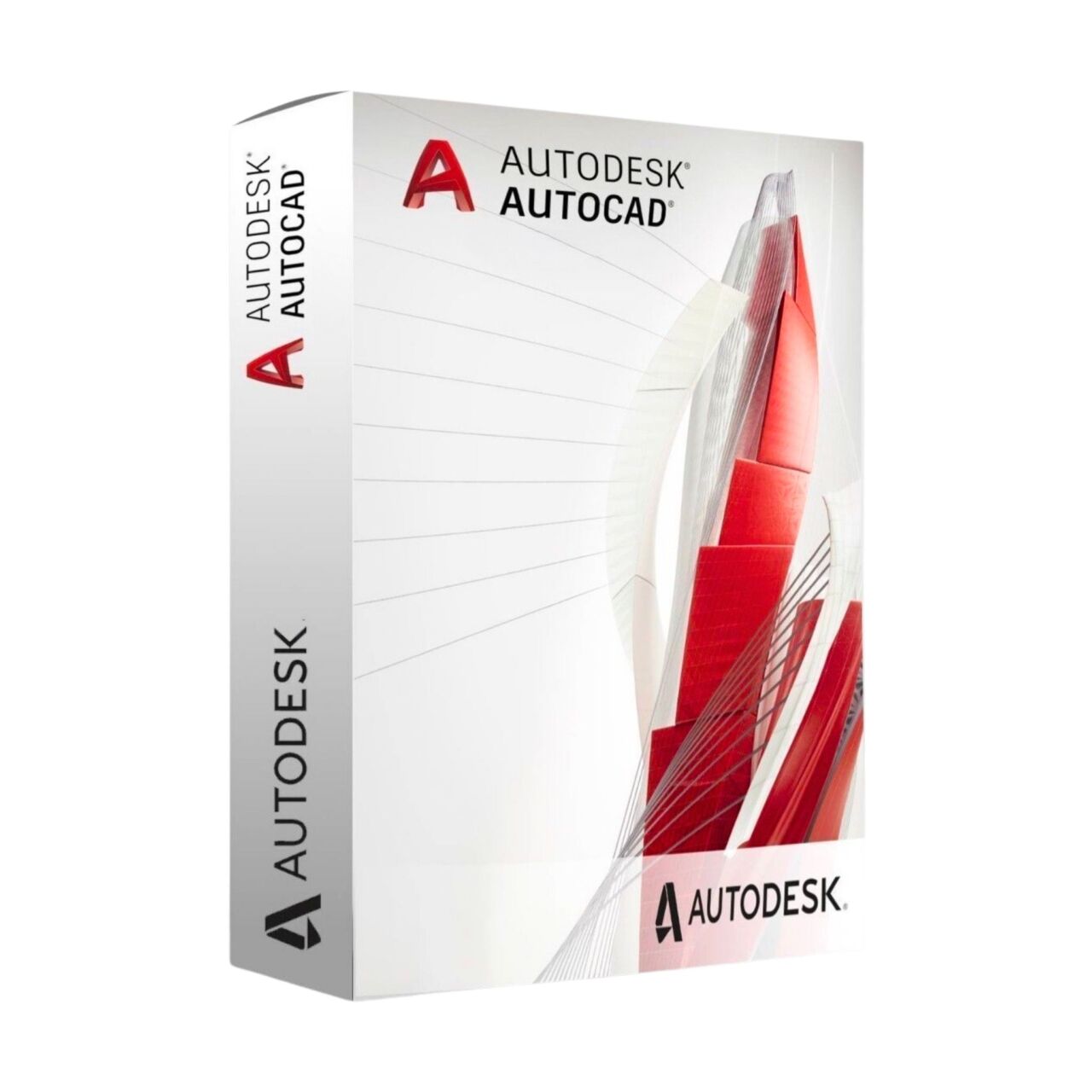
Autodesk AutoCAD 2027 – Commercial Subscription
Autodesk AutoCAD 2027 Commercial Subscription – the essential CAD solution for businesses, delivering 2D and 3D design tools with enterprise support.
Price range: 659.00$ through 1,589.00$
- Instant digital delivery via email
- Genuine license key guaranteed
- Secure checkout via Stripe
You’ll receive an official Autodesk invitation email with direct access linked to your Autodesk Account.
This is an official Autodesk AutoCAD 2027 commercial subscription. Activation works directly through Autodesk’s infrastructure with genuine access and official updates included.
What You’ll Receive
Commercial Autodesk license for professional CAD workflows
Access linked directly to your Autodesk Account by email
Advanced drafting, modeling, annotation, and technical design tools
Assistance available for activation and Autodesk account setup
What Is Autodesk AutoCAD 2027?
Autodesk AutoCAD 2027 is one of the world’s leading professional CAD platforms for 2D drafting, technical drawing, and precision design. It is widely used by architects, engineers, construction professionals, manufacturers, and technical designers who require reliable drafting and documentation tools.
The 2027 release continues Autodesk’s focus on workflow efficiency, connected collaboration, and smarter automation features. Teams can create detailed technical drawings, manage complex projects, and improve productivity with integrated Autodesk cloud services and modern CAD workflows.
AutoCAD 2027 supports professional commercial environments where precision, compatibility, and long-term project management are essential. The subscription includes official Autodesk updates and continuous access during the active license period.
Included Features
Key Features
Product Specifications
Frequently Asked Questions
| Subscription Period | 1 Year, 3 Years |
|---|
16 reviews for Autodesk AutoCAD 2027 – Commercial Subscription
Related products
-
Autodesk Revit 2027 – Subscription
Personal Revit subscription for BIM learning, 3D building design practice, documentation, portfolio work, and non-commercial workflows.
Price range: 79.00$ through 219.00$ -
Autodesk AutoCAD LT 2027 – Commercial Subscription
Official Autodesk AutoCAD LT 2027 commercial subscription with direct Autodesk activation, professional 2D CAD tools, DWG workflows, and updates included.
Price range: 399.00$ through 949.00$ -
Autodesk Civil 3D 2027 – Subscription
Personal Civil 3D subscription for infrastructure study, civil design learning, terrain modeling, corridors, drainage practice, and non-commercial workflows.
Price range: 79.00$ through 179.00$

Lukas Novak –
Everything runs perfectly. License activated without issues and software is fully functional.
Thomas Keller –
Smooth installation and activation. Using it daily for CAD work and performance is solid.
Ahmed El-Sayed –
Works well overall. Setup took a bit longer than expected but no problems after that.
Julien Marchand –
Très fiable pour un usage professionnel. Gestion des plans complexes, annotations et échanges DWG sans aucun problème. Intégré parfaitement dans notre workflow.
Daniel Kovacs –
Activated instantly, everything works perfectly.
Alexander Wright –
Using AutoCAD daily for detailed technical drawings and DWG production. Precision, stability and file compatibility are exactly what you expect at this level. No issues at all with activation or updates.
Matteo Ricci –
Utilizzato quotidianamente per progettazione tecnica e revisione disegni. Performance stabile anche con file pesanti e ottima gestione dei layer. Attivazione immediata.
Daniel Kovalenko –
Solid performance across large projects. Working with external teams on DWG files and everything remains consistent without compatibility issues. Exactly what we need in a professional environment.
Nicolas Reynaud –
Très bonne expérience. J’ai envoyé les emails Autodesk de l’équipe et tout a été configuré rapidement.
Eduardo Molina –
Good communication and fast turnaround. Everything matched the description exactly.
Giovanni Martelli –
Processo molto più semplice di quanto pensassi. Nessuna key da gestire, solo invito Autodesk e accesso immediato.
Tomislav Juric –
Needed AutoCAD urgently for a project deadline. Received access faster than expected and started working the same evening.
Frederik Olsen –
We purchased this for two workstations in our drafting office. Access arrived quickly and both accounts were ready the same day without any activation issues.
Jean-Baptiste Colin –
Achat sans difficulté. L’invitation Autodesk est arrivée rapidement et le logiciel était déjà disponible dans notre espace professionnel.
Saeed Al Falasi –
Excellent experience. We use Autodesk products across our office in Abu Dhabi and this was probably the easiest subscription setup we’ve had.
Graham Holloway –
We needed an additional AutoCAD subscription for a new engineer joining the team. The whole process took less time than expected and access was available the same day.