What Is a Commercial License – And Do You Really Need One?
October 21, 2025Is Logic Pro X Still Worth It in 2025? A Music Producer’s Perspective
October 21, 2025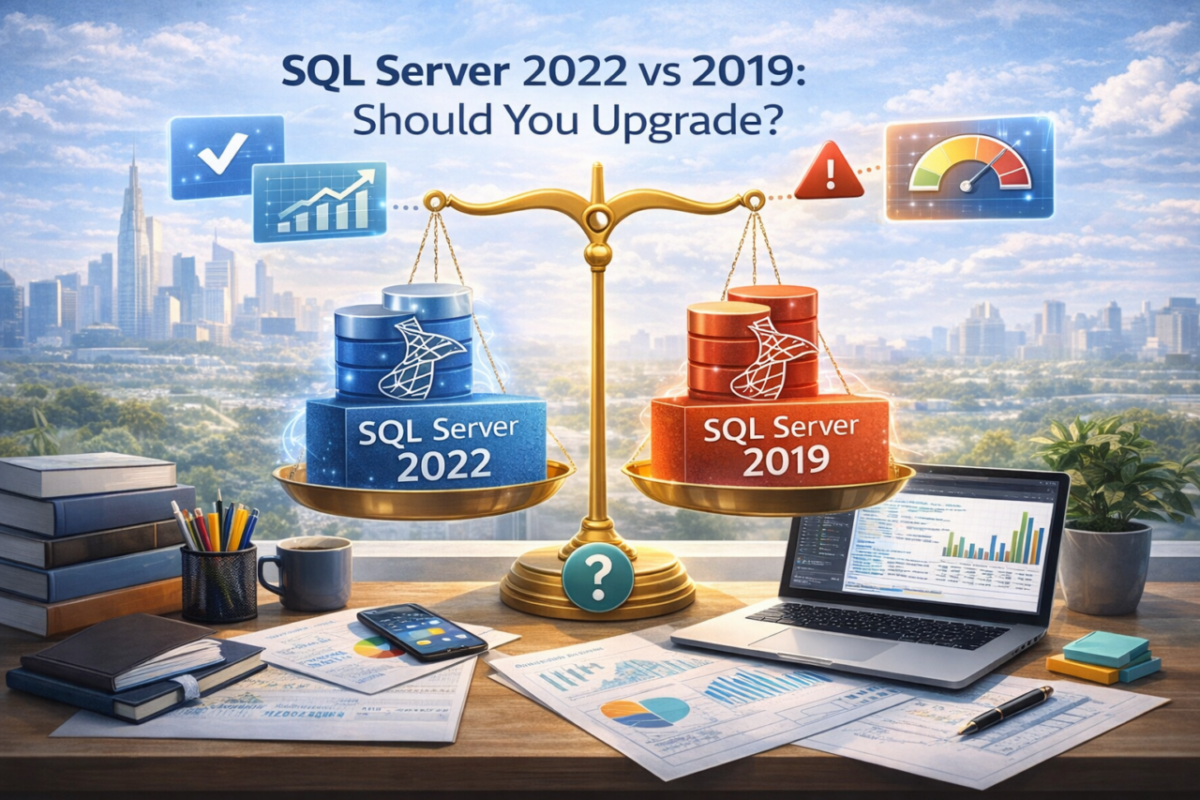
Microsoft SQL Server remains one of the most trusted database platforms for business applications, reporting systems, and enterprise infrastructure. For many teams, the real question in 2026 is not whether SQL Server is still relevant, but whether SQL Server 2022 is worth the move from 2019.
The answer depends on performance needs, cloud strategy, support lifecycle, and how much your organization depends on newer security and hybrid features.
This guide compares SQL Server 2022 vs 2019 in practical terms so you can decide whether upgrading makes sense for your environment.
SQL Server 2022 vs 2019
Best for hybrid strategy: SQL Server 2022
Best for stable legacy workloads: SQL Server 2019
Main upgrade drivers: performance, Azure, security
Decision point: future-readiness vs proven stability
View SQL Server 2022 →Main differences between SQL Server 2022 and 2019
SQL Server 2022 is not a complete reinvention, but it introduces meaningful improvements in query performance, security, cloud connectivity, and long-term platform value.
SQL Server 2019 remains reliable and mature, especially for organizations with stable on-premise workloads that do not need newer Azure-oriented capabilities.
In short, 2022 is the more forward-looking version, while 2019 is still a practical choice for conservative deployments.
SQL Server 2022 adds value through:
Improved Intelligent Query Processing
Stronger Azure and hybrid integration
New security features like Ledger
A longer support horizon
Performance and scalability
For organizations with demanding workloads, SQL Server 2022 offers real performance advantages. Improvements in Intelligent Query Processing and memory-related optimizations can reduce inefficiencies in complex query environments.
This matters most in data-heavy systems, reporting environments, and applications where query behavior changes depending on parameters and workload patterns.
If your database layer is already under pressure, 2022 is easier to justify.
Upgrade to 2022 for performance if you need:
Better handling of complex workloads
Improved query optimization behavior
More room for scale and memory-intensive operations
A platform built for modern enterprise demand
Practical view: if SQL Server 2019 is already meeting your workload comfortably, performance alone may not justify an immediate migration.
Cloud and hybrid capabilities
This is where SQL Server 2022 clearly separates itself. Microsoft designed it with hybrid infrastructure in mind, making Azure integration much more natural than in SQL Server 2019.
If your organization plans to connect analytics, disaster recovery, governance, or future database services to Azure, 2022 is the stronger strategic option.
SQL Server 2019 can still operate in hybrid scenarios, but it is not as tightly aligned with Microsoft’s current cloud direction.
Security and compliance
Security is another major reason to consider SQL Server 2022. The introduction of Ledger adds tamper-evident data records, while Always Encrypted enhancements improve secure processing scenarios.
For businesses operating in sensitive sectors or under stronger audit and compliance requirements, these changes are not cosmetic. They can materially improve trust and governance.
If security is central to your database roadmap, 2022 has a stronger case.
Important: organizations with stricter compliance requirements should not evaluate SQL Server versions only on cost. Security lifecycle and feature set matter more over time.
Support lifecycle and long-term value
Even when current workloads are stable, support timeline matters. SQL Server 2022 gives organizations a longer mainstream support window, which can reduce future migration pressure and improve planning stability.
SQL Server 2019 may still be the lower-friction option today, but it has a shorter runway from a lifecycle perspective.
For companies trying to avoid another upgrade cycle too soon, this becomes a strategic factor.
SQL Server 2022 usually makes more sense if you want:
A longer product lifecycle
A better fit for Microsoft’s future direction
Reduced migration pressure in the near term
A cleaner long-term platform decision
When SQL Server 2019 is still the right choice
Not every environment needs the newest version. SQL Server 2019 is still a strong option for businesses with predictable on-premise workloads, stable applications, and no immediate need for Azure-heavy integration.
If your infrastructure is already standardized around 2019 and performance is acceptable, staying where you are can be the most sensible short-term move.
An upgrade only makes sense when it solves a real problem or supports a real business objective.
Should you upgrade?
Upgrade to SQL Server 2022 if your organization needs better performance optimization, stronger hybrid capabilities, updated security, or longer-term support.
Stay on SQL Server 2019 if your workloads are stable, your environment is fully on-premise, and there is no pressing reason to change your database layer right now.
The right answer depends less on hype and more on your actual workload, architecture, and upgrade horizon.
Simple rule: upgrade for performance, hybrid growth, or compliance. Stay on 2019 for stability and cost control if your environment is not changing.
Where to buy SQL Server licenses
If you are evaluating versions, it makes sense to compare available editions and pricing before making a decision. Standard Edition remains the most common path for many business deployments.
Choosing the right version is not only about features. It is also about finding the best fit for your infrastructure and budget.
Conclusion
SQL Server 2022 is the better option for organizations moving toward hybrid infrastructure, stronger security, and future-ready performance. SQL Server 2019 still makes sense for stable environments that do not need those changes yet.
In other words, this is not a question of which version is universally better. It is a question of which version fits your current and future database strategy.
That is what should decide the upgrade, not the version number alone.
Choose the SQL Server version that fits your roadmap
Whether you need the newer hybrid-ready platform or a proven stable deployment, selecting the right edition now will save time and cost later.