Windows 10 Support Extended to 2027: What It Means (and Should You Wait?)
August 3, 2026
How to Make a Scanned PDF Searchable
November 6, 2026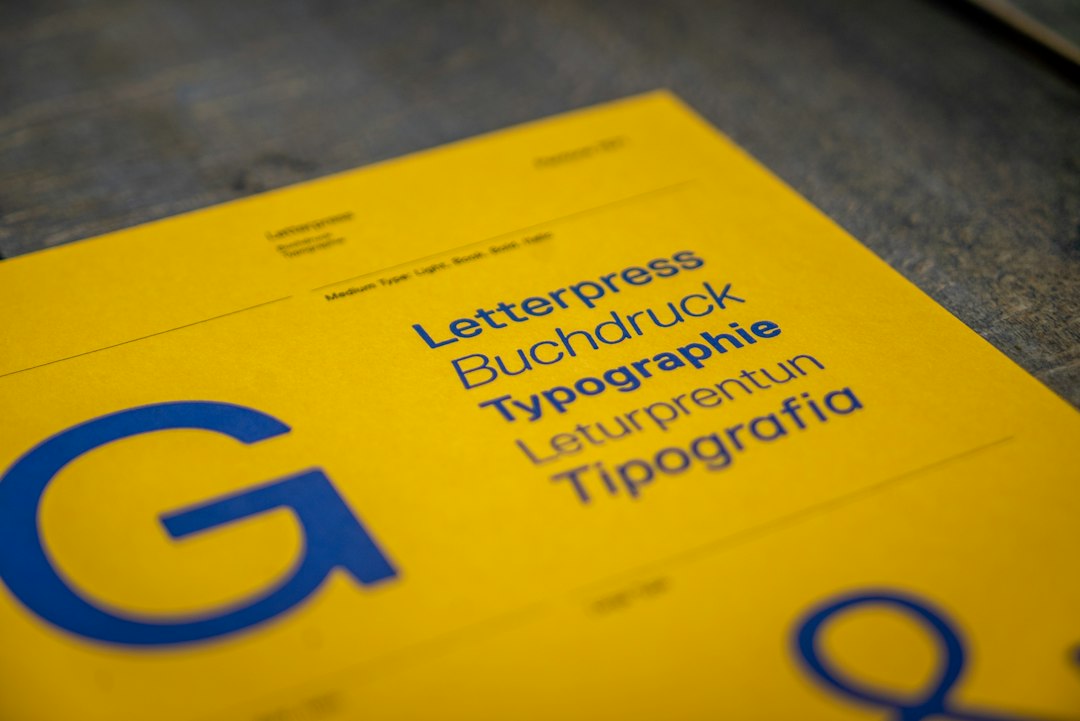
Your café has a new logo. The web designer asks for an SVG, the cup supplier asks for a vector PDF, and the sign maker wants the original artwork. You could send everyone the PNG from your website. The trouble starts when someone needs to enlarge it to the width of a shop window.
Find the editable original
Look for the file the designer used to draw the logo, often an Illustrator (.ai) document. Open it and select a letter or shape. If you can see the points that define its outline, you have vector artwork you can scale. If you can only select one rectangular image, you may be looking at a placed bitmap. A PDF can contain either type. Saving a PNG as a PDF still leaves you with the pixels you started with.
Match the file to the job
For printed cups or packaging, ask the supplier for its artwork template and PDF export requirements. A one-ink cup needs a version that reads clearly in one colour. A pale detail that looks lovely on a white screen may disappear against brown paper. Print a copy at actual size and check the smallest letters.
For a shop sign, tell the fabricator how the sign will be made. A printed panel and a cut-vinyl window graphic can require different files. For cut vinyl, ask whether the shop wants lettering converted to paths and whether the thinnest strokes can be cut at the intended size. Outline text only in a delivery copy so you can still edit the original wording.
For the website, export an SVG of the vector logo and check it on both light and dark backgrounds. Add a transparent PNG at the requested pixel dimensions for an email signature or a system that asks for a bitmap. Open each export before handing it over. A white logo can look like an empty file on a white page.
What a useful handoff looks like
For the café, three plainly named files might be enough: cafe-cup-one-ink.pdf for the cup supplier, cafe-web-dark.svg for a light website header, and cafe-sign-outlined.ai if the sign maker requested it. Keep the editable master separately. Include a small preview so each recipient can see what their file should look like.
If you are preparing the artwork yourself, see our Adobe Illustrator product page. Adobe’s guide to Illustrator file formats explains which formats preserve editing features.
Cover photograph by Mika Baumeister on Unsplash.