Logic Pro in 2026: Pro Music Production Without the Subscription
July 10, 2026
Windows 10 Support Extended to 2027: What It Means (and Should You Wait?)
August 3, 2026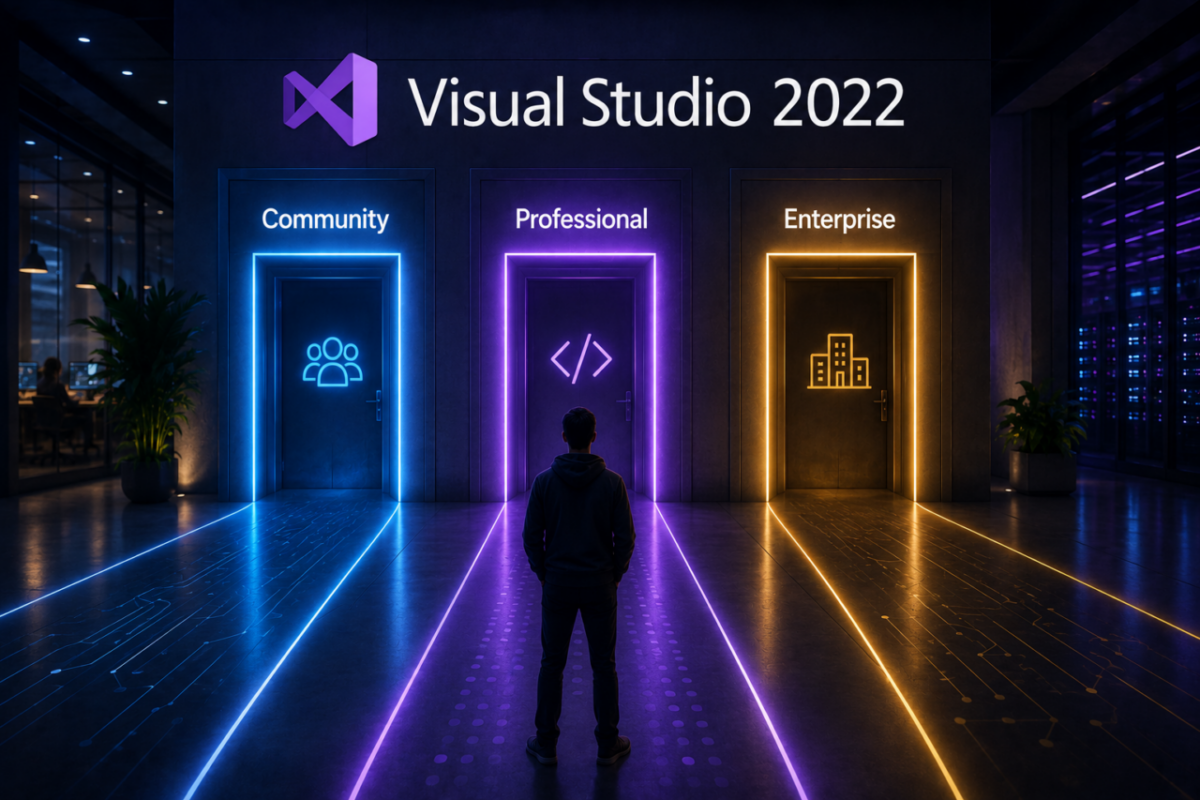
Picking a Visual Studio 2022 edition trips up a lot of developers. Community is free, Professional and Enterprise are not, and the gap between them runs into thousands of dollars. So before you install the wrong one — or overpay Microsoft for features you’ll never touch — it helps to know exactly what separates them.
The catch is the price. Microsoft sells Visual Studio Enterprise for around $2,999 as a one-time license, or roughly $250 per user every month on subscription. For many teams, that’s a serious line item — even though the IDE itself is the same powerful tool whichever way you pay.
In this guide, we’ll break down Visual Studio 2022 clearly: what each edition includes, when the free version is enough, what the paid tiers really cost, and how to get Professional or Enterprise for a fraction of Microsoft’s price.
Visual Studio Enterprise — without the Microsoft price
Microsoft one-time license: around $2,999
Microsoft subscription: ~$250/user/month
Our price: $49.00 — lifetime, offline, no account
Genuine retail key, perpetual activation for 1 PC, instant email delivery. No subscription, no account binding.
Get Visual Studio 2022 Enterprise – $49 →The three Visual Studio 2022 editions explained
Microsoft offers Visual Studio 2022 in three tiers. They share the same core IDE, but the licensing and advanced tooling differ in ways that matter for both budget and compliance.
Community (free)
Community is the free edition, and it’s genuinely capable — full language support, debugging and extensions. However, its license is restricted: it’s intended for individual developers, students, open-source projects and small teams. Larger organizations, or enterprises above Microsoft’s size and revenue thresholds, aren’t allowed to use it for commercial work.
Professional
Professional is the entry point for commercial teams that fall outside Community’s free license. It delivers the complete development experience — IntelliSense, debugging, Git and Azure DevOps integration — with full rights for business use. For most small studios and agencies, it’s all they need.
Enterprise
Enterprise sits at the top, adding advanced tooling for large teams and complex projects. Features like Live Unit Testing, IntelliTrace historical debugging, advanced profiling and architecture diagrams help big engineering teams ship faster and catch issues earlier. If you’re running serious, distributed development pipelines, this is the tier built for you.
When the free version isn’t enough
Community tempts everyone, and for solo work it’s perfect. However, the moment your situation outgrows its license, you need a paid edition. In practice, that happens when:
✔ Your company exceeds Microsoft’s size or revenue limits for Community
✔ More than a handful of developers work on commercial code
✔ You need Enterprise-only testing and diagnostics tools
✔ Compliance requires a properly licensed commercial edition
In those cases, Professional or Enterprise isn’t optional — it’s required. The only real question becomes how much you’re willing to pay for it.
How much does Visual Studio 2022 cost?
Straight from Microsoft, the paid tiers are steep. Professional runs about $499 as a standalone license or roughly $45 per month, while Enterprise reaches around $2,999 standalone or about $250 per user monthly. Consequently, licensing a team the official way adds up quickly.
Visual Studio 2022 Enterprise cost:
Microsoft one-time → ~$2,999
Microsoft subscription → ~$250/user/month
Our genuine lifetime key → $49.00
Therefore, a genuine retail license from a trusted reseller gives you the same Enterprise IDE for a tiny fraction of Microsoft’s price — activated offline, with no subscription hanging over your team.
Which edition should you choose?
It depends on who you are. If you’re a solo developer, a student or an open-source contributor, Community is free and likely all you need. If you run a commercial team that outgrows Community, Professional covers the essentials. And if you manage large, complex projects that demand advanced testing and diagnostics, Enterprise is the right call — especially at $49 instead of thousands.
Ultimately, the smart move is matching the edition to your actual license requirements and feature needs, then refusing to overpay for whichever one you land on.
The bottom line
Visual Studio 2022 gives developers a world-class IDE at every tier — but the paid editions don’t have to drain your budget. Once you know which edition your work actually requires, the path is clear: use Community when you can, and get Professional or Enterprise for a fraction when you can’t.
Ultimately, that means full Enterprise power, a perpetual offline license, and no monthly bill — for $49 instead of $2,999. Pick your edition, activate in minutes, and get back to building.
Genuine Visual Studio Enterprise for $49.
Full enterprise IDE, perpetual offline license, genuine retail key, instant delivery — $49 instead of ~$2,999. No subscription, no account binding.
Developers also buy: