How to Activate Office 2024 With a Product Key (Step-by-Step 2026)
June 26, 2026
Microsoft Project 2024: Which Edition You Need and How to Get It Cheaper
July 3, 2026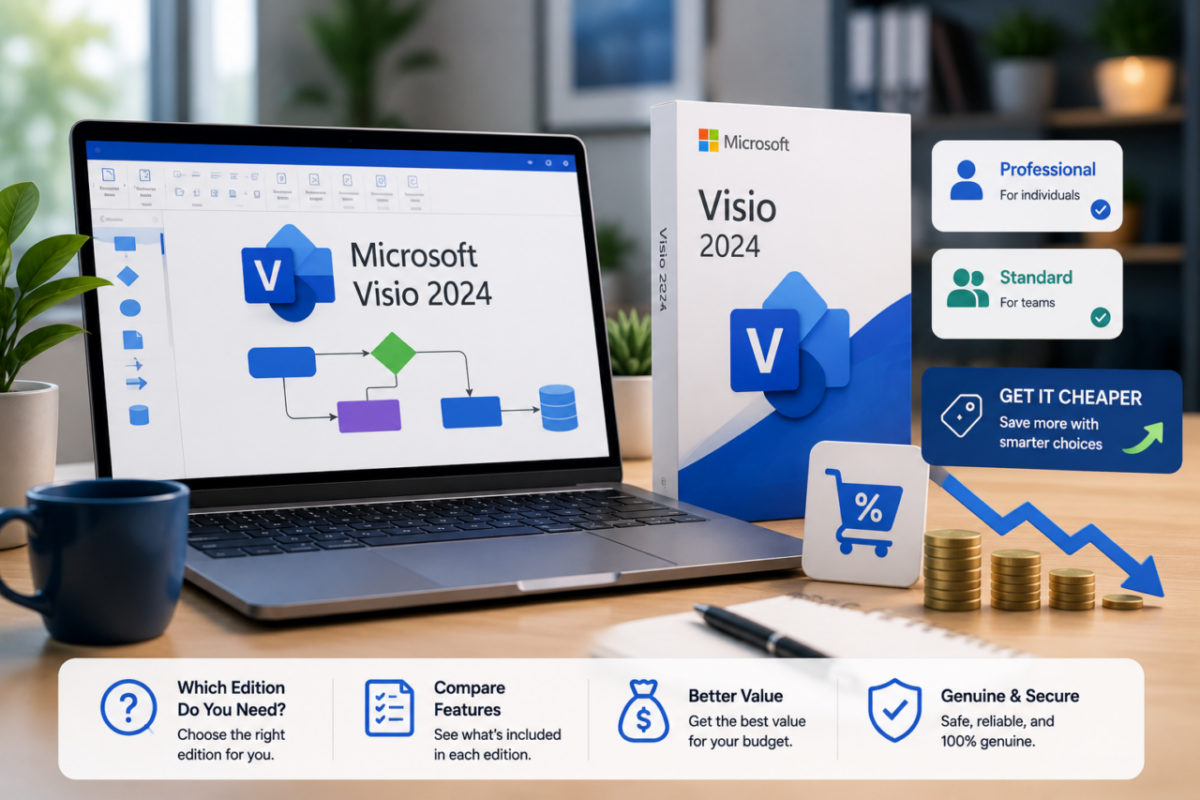
Microsoft Visio 2024 is the tool professionals reach for when a spreadsheet just won’t do — flowcharts, org charts, floor plans, network maps and process diagrams that actually look the part. However, Microsoft makes buying it surprisingly confusing, with overlapping editions and a price tag that can climb close to $580 for a single license.
So before you overpay or pick the wrong version, it helps to understand what Visio does, how the editions differ, and where the real value sits. The right choice depends on whether you build diagrams daily or only now and then.
In this guide, we’ll break down Microsoft Visio 2024 in plain terms: what it’s for, Standard versus Professional versus subscription, what it actually costs, and how to get a genuine lifetime license for a fraction of Microsoft’s price.
Visio Professional 2024 — without the Microsoft price
Microsoft one-time license: around $580
Microsoft subscription: up to $15/user/month
Our price: $79.90 — lifetime, no subscription
Genuine binding key linked to your Microsoft account. All Professional features. Instant email delivery.
Get Visio Professional 2024 – $79.90 →What is Microsoft Visio used for?
At its core, Visio turns complex information into clear visuals. Rather than describing a process in paragraphs, you map it — and suddenly everyone understands it at a glance. That’s why it’s a staple across so many roles.
Common Visio uses:
✔ Flowcharts and business process diagrams (BPMN)
✔ Organizational charts and team structures
✔ Floor plans and office layouts
✔ Network and IT infrastructure diagrams
✔ Wireframes, timelines and engineering schematics
Consequently, Visio shows up wherever clarity matters — IT departments, engineering teams, business analysts, project managers and architects all rely on it daily. If your work involves explaining how something is built or how a process flows, Visio earns its place fast.
Visio editions explained: Standard, Professional and subscription
Microsoft splits Visio into a few flavors, and the differences genuinely matter. Picking the wrong one means either overpaying or missing features you need.
Visio Standard
Standard covers the basics well: general diagrams, flowcharts, org charts and simple business visuals. For someone who makes the occasional diagram, it’s enough. However, it lacks the advanced templates and data features that professionals often depend on.
Visio Professional
Professional is the full experience. Beyond everything in Standard, it adds advanced templates for engineering, IT and architecture, real-time collaboration through Teams and SharePoint, and the ability to link diagrams to live data so they update automatically. For most serious users, this is the version worth owning.
Visio subscription (Plan 1 and Plan 2)
Finally, Microsoft offers Visio as a monthly subscription — Plan 1 for web-based diagramming and Plan 2 for the full desktop app with cloud features. These suit teams who want browser access and always-current versions, but the cost recurs forever, climbing to $15 per user every month.
How much does Microsoft Visio 2024 cost?
This is where buyers get stung. Directly from Microsoft, a one-time Visio Professional license runs around $580, while the subscription plans cost up to $15 per user monthly — roughly $180 a year, every year. In other words, the official routes are expensive no matter which you pick.
Visio Professional 2024 cost:
Microsoft one-time → ~$580
Microsoft subscription → ~$180/year, forever
Our genuine lifetime key → $79.90 once
Therefore, a one-time license from a trusted reseller delivers the same Professional features for a small fraction of Microsoft’s price — and unlike the subscription, you never pay again.
Which Visio edition should you choose?
It comes down to how you work. If you build detailed, data-connected diagrams for IT, engineering or business, Visio Professional 2024 is the clear pick — and at $79.90 as a lifetime license, it’s an easy decision. If you only sketch the occasional flowchart, Standard will do. And if your team specifically needs browser access and cloud sync, the subscription has its place.
For the vast majority of professionals, though, owning Professional outright wins. You get every advanced feature, no recurring fee, and a license that stays yours for good.
The bottom line
Microsoft Visio 2024 remains the standard for professional diagramming, but you don’t have to pay Microsoft’s standard price. Once you know which edition fits, the smart move is clear: a genuine lifetime Professional license gives you the full toolset without the subscription trap.
Ultimately, that means clearer diagrams, complete features and a one-time cost you’ll barely notice — instead of a bill that returns every month. Pick Professional, activate in minutes, and get to work.
Get genuine Visio for a fraction of the price.
Microsoft Visio Professional 2024: full diagramming toolset, lifetime license, official activation, instant delivery — just $79.90 instead of ~$580.
Professionals often pair it with: