
Autodesk 3ds Max 2027 – Commercial Subscription
September 23, 2025
Autodesk AutoCAD LT 2027 – Commercial Subscription
September 23, 2025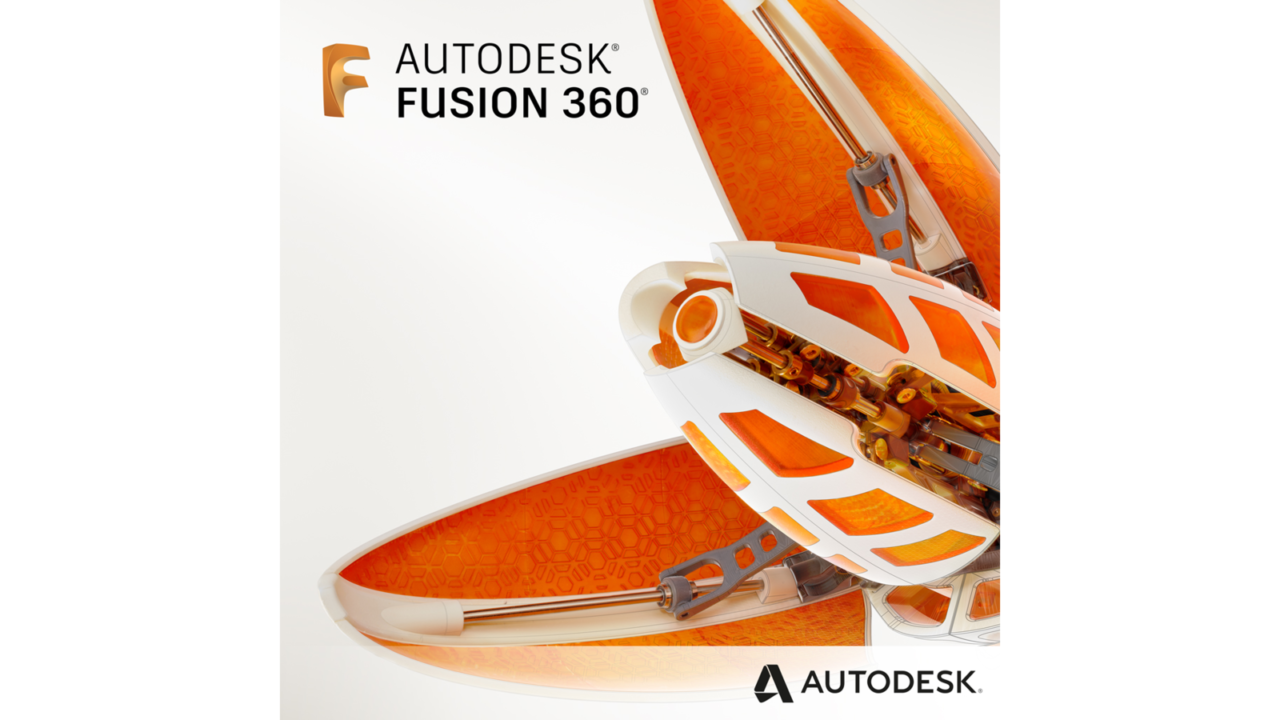
Autodesk Fusion 2027 – Commercial Subscription
Official Autodesk Fusion 2027 commercial subscription with direct Autodesk activation, CAD, CAM, CAE, PCB, and product development tools.
Price range: 479.00$ through 999.00$
- Instant digital delivery via email
- Genuine license key guaranteed
- Secure checkout via Stripe
You’ll receive your activation email directly from Autodesk, with official access linked to your Autodesk Account.
What You’ll Receive
Commercial Autodesk license for product design and manufacturing workflows
Access arrives by email and links directly to your Autodesk Account
CAD, CAM, CAE, PCB, data management, and collaboration tools included
Our team can help with activation and account access if needed
What Is Autodesk Fusion 2027?
Autodesk Fusion 2027 is a cloud-connected product development platform that combines CAD, CAM, CAE, PCB, collaboration, and data management tools in one professional environment. It helps designers, engineers, machinists, product developers, and manufacturing teams move from concept to production with a more connected workflow.
Fusion 2027 supports mechanical design, 3D modeling, simulation, electronics, manufacturing preparation, machining workflows, and collaborative product development. Instead of separating design, engineering, and manufacturing into disconnected tools, Fusion keeps the main stages of the product lifecycle inside one Autodesk ecosystem.
Autodesk provides access through a secure account system. Therefore, Autodesk Fusion 2027 Commercial Subscription gives professionals official activation, continuous updates, and a reliable working environment for commercial product design, engineering, and manufacturing workflows.
Included Tools
Key Features
Product Specifications
Frequently Asked Questions
| Subscription Period | 1 Year, 3 Years |
|---|
5 reviews for Autodesk Fusion 2027 – Commercial Subscription
Related products
-
Autodesk 3ds Max 2027 – Commercial Subscription
Official Autodesk 3ds Max 2027 commercial subscription with direct Autodesk activation, professional 3D modeling, rendering, and animation tools.
Price range: 629.00$ through 1,549.00$ -
Autodesk InfraWorks 2027 – Subscription
Personal InfraWorks subscription for infrastructure learning, terrain modeling, concept design, site planning, road ideas, and non-commercial workflows.
Price range: 79.00$ through 179.00$ -
Autodesk Inventor 2027 – Subscription
Personal Inventor subscription for mechanical design learning, 3D modeling, assemblies, technical drawings, portfolio projects, and non-commercial workflows.
Price range: 79.00$ through 179.00$

Brandon Ellis –
Using Fusion daily for parametric design and CAM workflows. Modeling is smooth and switching from design to manufacturing is seamless.
Giorgio Valentini –
Ottimo per progettazione meccanica e lavorazioni CNC. Tutto integrato in un unico ambiente, molto comodo.
Thierry Dupont –
Très bon outil pour conception et fabrication. La transition CAD/CAM est fluide et bien intégrée.
Sergei Volkov –
Great for prototyping and iterative design. Cloud features are useful when working across different devices.
Diego Herrera –
Using it for product design and manufacturing workflows. Simulation and CAM tools work perfectly together.